
Most new patients find a dental clinic the same way: they search “dentist near me” on their phone, look at the map results, and call one of the first few clinics they see. If your clinic isn’t in that short list, or is in it with few reviews and an incomplete profile, those calls go to someone else. This checklist covers what an Ontario dental clinic can fix on its own Google listing and website to show up in those searches.
Why Google Maps matters for dental clinics
When someone chooses a dentist from a Google search, reviews, distance and ranking all count. In a 2019 survey of 1,500 Americans run by the agency IronMonk and reported by Becker’s Dental Review, 43.3% said they choose based on online reviews, 19.4% on the closest clinic and 18.4% on the top-ranked result. It’s a US survey and several years old, so treat it as a guide to patient behaviour rather than an Ontario benchmark. But it matches what we see: patients compare a few clinics on Google before they call.
The checklist
1. Complete your Google Business Profile
Your Google Business Profile is the listing that appears in Google Maps and the local results. Check that:
- Your primary category is “Dentist” and your secondary categories match the treatments you actually offer.
- Your name, address and phone number match your website exactly.
- Opening hours are correct, including holidays.
- You’ve added your treatments as services, with a short description of each.
- You have real photos of the clinic, the team and the reception area, not only stock images.
- Your booking or contact link goes to a page that works on a phone.
2. Ask for reviews on a routine
Reviews are the part of the listing patients read first. Ask every patient who had a good visit, make it easy with a direct review link, and reply to every review in a calm, professional way. Never include private health details in a reply. For a full guide, read how to get more Google reviews for a small business. Ontario clinics should also check the Royal College of Dental Surgeons of Ontario (RCDSO) advertising guidelines before using patient testimonials in ads or on the website.
3. Build a page for each treatment and location
A single “Services” page is rarely enough. Give each major treatment, such as dental implants, Invisalign, emergency dental care or teeth whitening, its own page. Each page should say who it’s for, what the treatment involves, what to expect and how to book. If you have more than one location, give each its own page with its own address, map and local details.
4. Keep your name, address and phone number consistent
Google compares your listing against your website and other directories. If your clinic appears with different phone numbers, an old address or a slightly different name, it can hold your ranking back. Check your website footer, your Google listing, Facebook and any dental directories.
5. Make the website easy to use on a phone
Most dental searches happen on mobile. The phone number should be tappable, the booking button should be visible without scrolling, and pages should load quickly. A patient who can’t find how to book in a few seconds will go back to the results and call the next clinic.
6. Track phone calls, not only website visits
For most clinics, the phone call is the result that matters. Look at the calls and direction requests in your Business Profile, and use a tracked number or call tracking on your website if you can. This shows what is working and keeps the conversation with your marketing provider about patients, not impressions.
7. Be patient with SEO
Local rankings usually take months, not weeks. See how long SEO takes to show results for a realistic timeline.
What this looked like for one of our clients
We’ve worked with Clergy Dental Clinic in Kingston for more than three years. From July to October 2026, the clinic’s own Google Business Profile recorded 106 calls from Google. The numbers come from the clinic’s account, and you can see the screenshots on our case study page. Results differ between clinics, because they depend on competition, location and how much work the profile and website need, so this isn’t a promise for any other practice.
Frequently asked questions
How can a dental clinic get more patients from Google?
Start with a complete Google Business Profile, a steady flow of genuine reviews, a separate page for each treatment and location, and consistent contact details everywhere. Then track the phone calls that come from Google so you can see what is working.
Do Google reviews matter for dentists?
Yes. In the 2019 survey above, online reviews were the most common reason patients gave for choosing a dentist. Reviews are also visible directly on your Google listing, so patients see them before they visit your website.
How long does dental SEO take to work?
Most clinics see early movement in the first few months, with stronger results over six to twelve months. The timeline depends on your competition, your location and the state of your current profile and website.
Do I need a new website to rank on Google Maps?
Not always. Maps rankings depend heavily on your Business Profile, reviews and location. A new website helps if your current one is slow, hard to use on a phone or has no pages for your treatments.
Want us to check your clinic?
If you run a dental clinic in Ontario, we offer a free marketing audit of your website and Google listing. You can also read about our dental SEO and marketing service, our earlier post on digital marketing for dentists, or find us on Google.
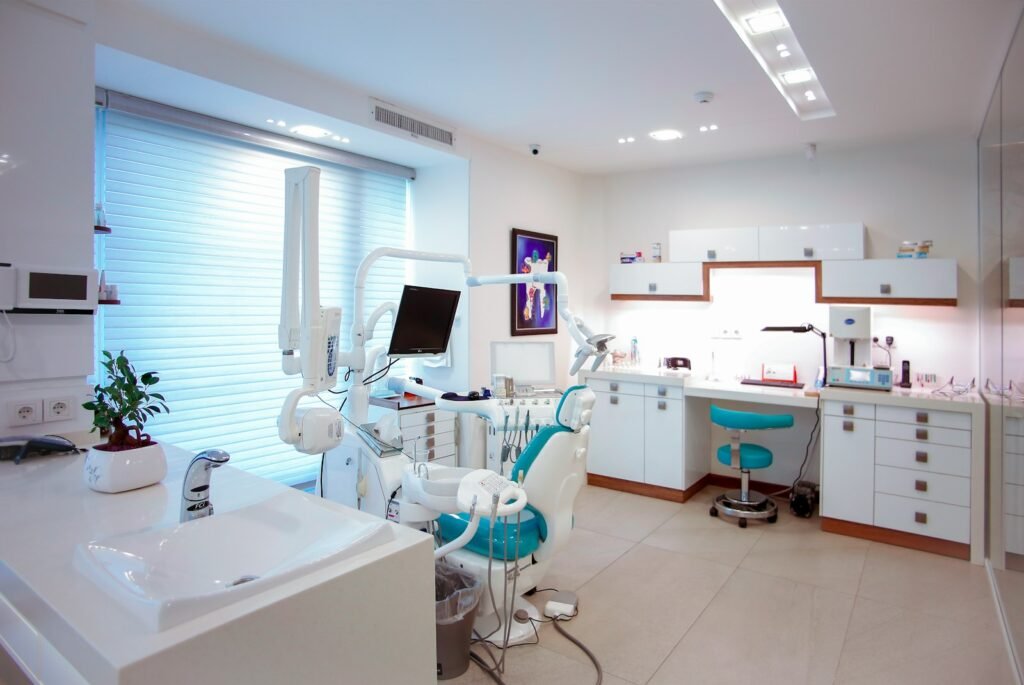
Featured photo by Benyamin Bohlouli on Unsplash.